

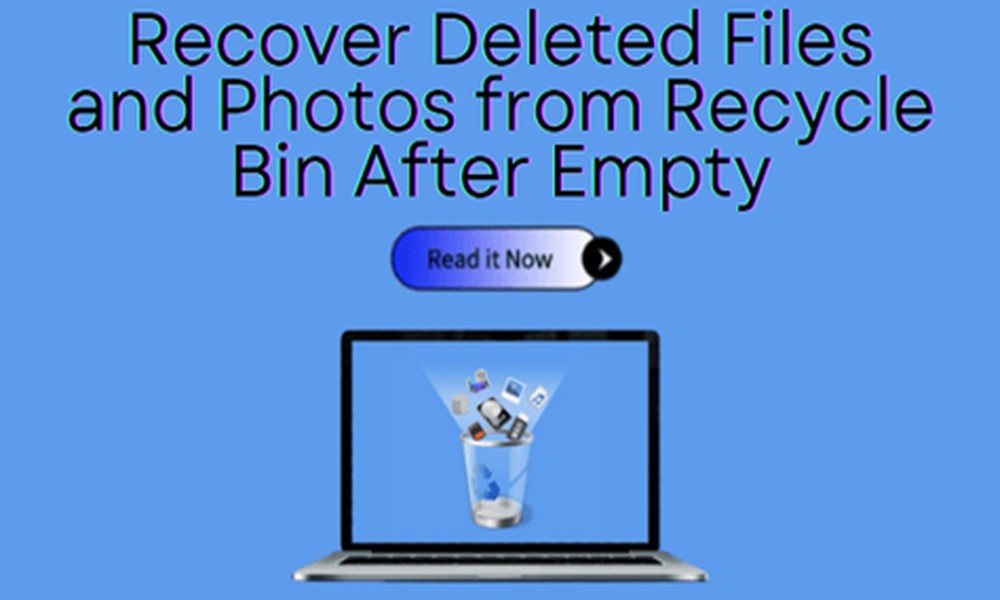
Accidental deletion of important files can cause stress. When you remove files, they hit your Recycle Bin. However, what happens if you delete files from your Recycle Bin? Do not think that these deleted files have gone forever. There are ways to restore files present in the Recycle Bin.
What is a Recycle Bin?
The Windows computers come with a temporary storage location, such as the Recycle Bin. It holds deleted folders and files before they are removed permanently from your system.
When your files are moved to the Recycle Bin, they remain there until you empty it manually. It lets you restore files whenever needed.
What happens after emptying the Recycle Bin?
Most users think that they have fully erased their files after emptying the Recycle Bin. But, this is now how the deletion process works. Permanent deletion of files means the device’s OS marks the storage space as available. The files will not be visible, though they are recoverable. Until you have overwritten new information, the data will be recoverable.
A few common causes of losing your Recycle Bin data
You need to use the Recycle Bin recovery software for various reasons-
Accidentally emptied the Recycle Bin
Sometimes, you remove valuable files permanently by mistake.
Using Del + Shift
If you have used the shortcut, it will delete your Recycle Bin instantly.
Power failures or system crashes-
Unexpected shutdowns will remove or corrupt files.
Malware attacks
Malicious programs could hide or delete your data.
Storage device problems
Hard drive’s bad sectors may cause the loss of files.
Automatic Recycle Bin cleanup
Windows often automatically delete older files in case the device has low storage space.
Can you recover permanently deleted files?
In most cases, it is easy to restore data deleted from Recycle Bin. But, you need to use reliable tools, such as PandaOffice Drecov data recovery software. Still, you should back up your data regularly to ensure an easy recovery of your files.
Conclusion
You can now take the right step to recover your files deleted from the Recycle Bin. The best software simplifies the way to restore your data.
