

The security of our devices has become a paramount concern to us in today’s increasingly globalized world. With globalization, we have been able to achieve a lot of great things, but this has also opened wide the doors to opportunists, who can find vulnerabilities in the networks you use to hijack your devices and steal valuable information.
Once they are done with this theft, they will then proceed to extort the actual owners, to pay huge ransoms to get their devices or information back under their control. In order to achieve this, they employ a wide range of software, like viruses, worms, Trojan horses and other such malware. Daily these criminals come up with thousands of new malwares, which they disguise as benign entities, to trick the unaware users.
There are non-security apps that provide junk cleaning and performance boosting available for free download too. You can use those applications if this app cause performance issues. Some of them are NOX Cleaner, Clean Master, AVG Cleaner, etc.
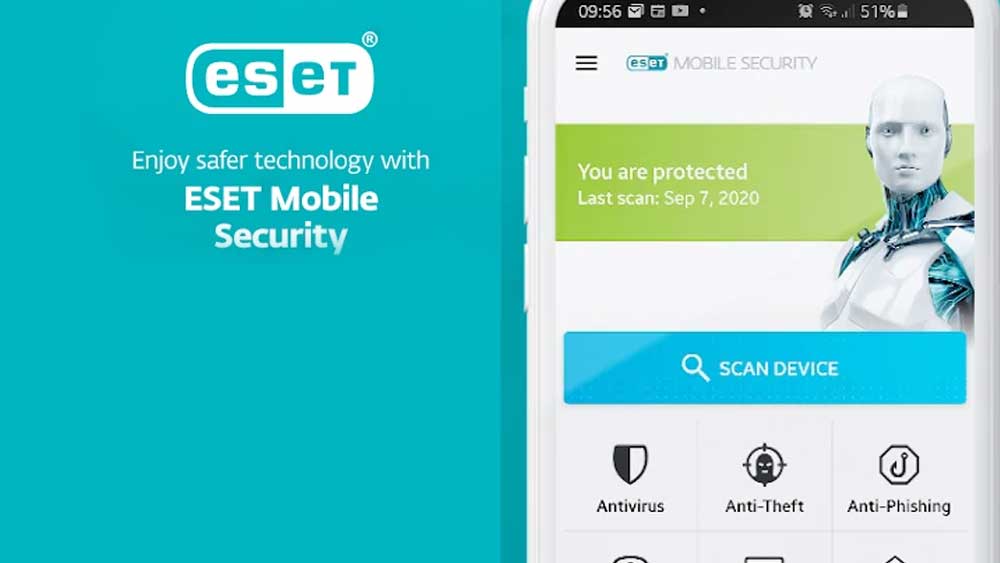
ESET Mobile Security
There are only a few apps in the market today, which are always on the lookout for these new threats to your devices, and ESET Mobile Security and Antivirus, stands out among them, as one of the best security apps out there. It’s quite a small app, that packs a hefty punch, offering a potent cocktail of services to keep your device and information safe.
The basic antivirus scan is totally free. It accomplishes the basic function of detecting and dealing with malware in your device. In addition to this, there are other functions available that you can access with a small subscription fee, that you cancel at any time.
Features of ESET Mobile Security
- Malware Protection: When you download this app, it does a thorough scan of your phone, and when it comes across anything out of place, it provides certain actions that you can take to minimize the threat to your device.
- Security Audit: ESET can warn you of apps that access your personal information. ESET also has a Device Monitoring tool which takes care of things like memory usage and whether the Wi-Fi network your phone is connected to is safe.
- Phishing Protection: Protects you from sites that want to steal information from your device. It sends an alert to warn you of such sites, and then you have the option of blocking them.
- Call and SMS Blocking: Allows you to block calls or SMSs from people who keep bothering you and protects you from spams, scams and other malicious software.
- Anti-theft and SIM protection: Once you set up your trusted numbers, you can activate anti-theft features by SMS commands. The SIM Guard tool will let your trusted friends know if the SIM card has been removed If your SIM card is removed by the criminal, then this will automatically cause your phone to be locked.
Download ESET for Android
This is one of the best and effective Android security application. You can easily download this virus guard for your Android phone using AC Market. First download and install latest version of AC Market. Then use search to find this application.
You will find many Android virus guard application on AC Market. Not on mobile security applications, you will find games like Asphalt, farming simulator, OtherWorld Legends and more.
